
Two problems. One suite.
Hyperplexity addresses verified information at scale — whether you're building research from scratch or checking work that already exists.
You need to answer the same set of questions across dozens of entities — trials, companies, stocks, papers. Doing it manually takes days. Asking a single AI prompt can't cover 50 rows and 24 columns, and you have no way to verify what it tells you.
↓ Generate or validate a research tableYou have an AI-generated report, a manuscript, or a document full of claims. How do you know what's accurate, what's hallucinated, and what's missing context? Reading every source yourself isn't feasible.
↓ Paste text or upload a PDF — verify every claimHyperplexity — Verified Research Tables
Give it a prompt or an existing spreadsheet. It returns a fully verified research matrix — every cell sourced, every answer color-coded by confidence.
 Where agentic research tools like Perplexity, ChatGPT, and Claude provide unvalidated answers to individual questions, Hyperplexity provides validated coverage of the entire research domain.
Agents are Myopic. Research is Comprehensive. So is Hyperplexity.
Where agentic research tools like Perplexity, ChatGPT, and Claude provide unvalidated answers to individual questions, Hyperplexity provides validated coverage of the entire research domain.
Agents are Myopic. Research is Comprehensive. So is Hyperplexity.
Prompt: "I need a comprehensive overview of highly anticipated Phase 3 oncology trials"
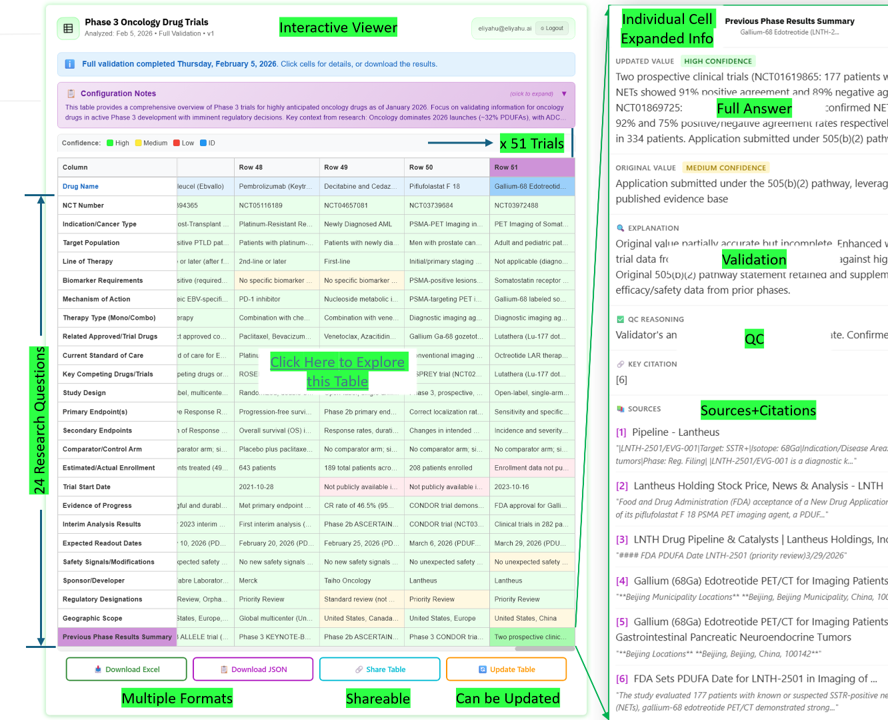
51 trials × 24 research questions — 1,224 verified cells. Confidence is color-coded High / Medium / Low. Click any cell to expand the full answer, validation reasoning, QC notes, and numbered source citations. The viewer defaults to a transposed view (research questions become rows, trials become columns) — use the Transpose button at the bottom to switch orientations.
Three entry points
All three give you a free 3-row preview before you pay anything.
Confidence at a glance
Every cell is color-coded so you can see reliability instantly — no need to read every source to know where to focus.
What you get inside each cell
The validated, corrected value — not just what was found, but what's actually correct.
Why the value was accepted, corrected, or flagged — with the original alongside.
An independent quality-control pass that checks the validation itself.
Every claim backed by a named source with a direct quote or link.
Outputs & delivery
Getting started
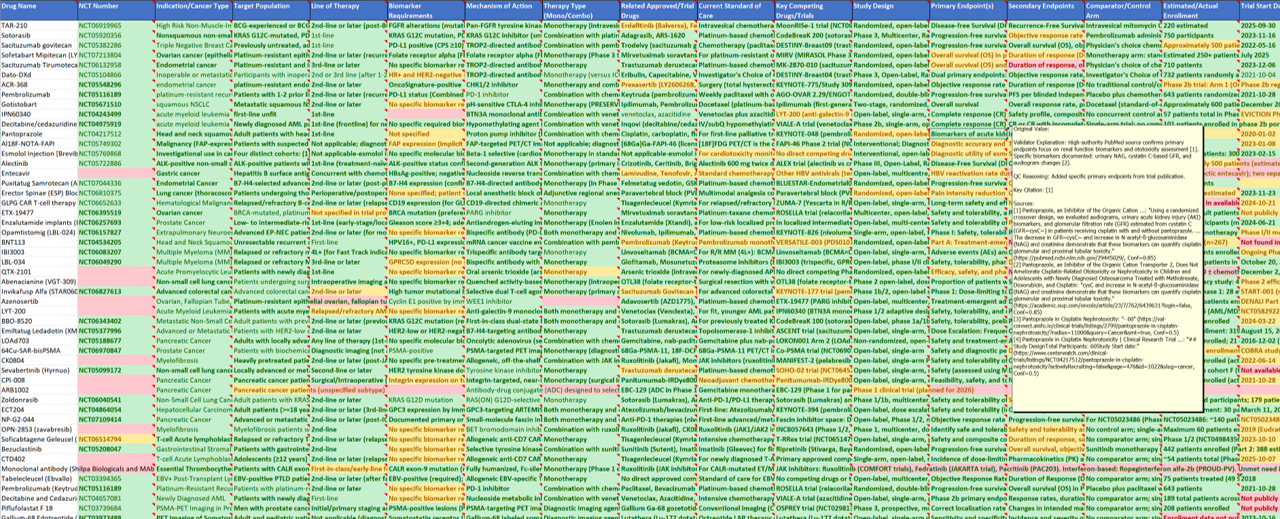
Go to hyperplexity.ai/app. Login is by email — enter your address, make your first choice, and a 6-digit verification code will arrive in your inbox. New accounts start with $20 in free credit.
Select Create Table from Prompt to describe your research question, or Upload Your Own Table to validate a spreadsheet you already have. Either way, an AI will open a short conversation to understand exactly what you need — scope, entities, columns — before building anything.
The preview is always free. Check the quality, confidence color-coding, and source citations before committing to the full run.
Happy with the preview? Approve and the full table is generated. Not quite right? Give feedback in plain language — the AI adjusts the configuration and generates a fresh preview. Repeat until it's exactly what you need, then approve.
Getting started with Chex
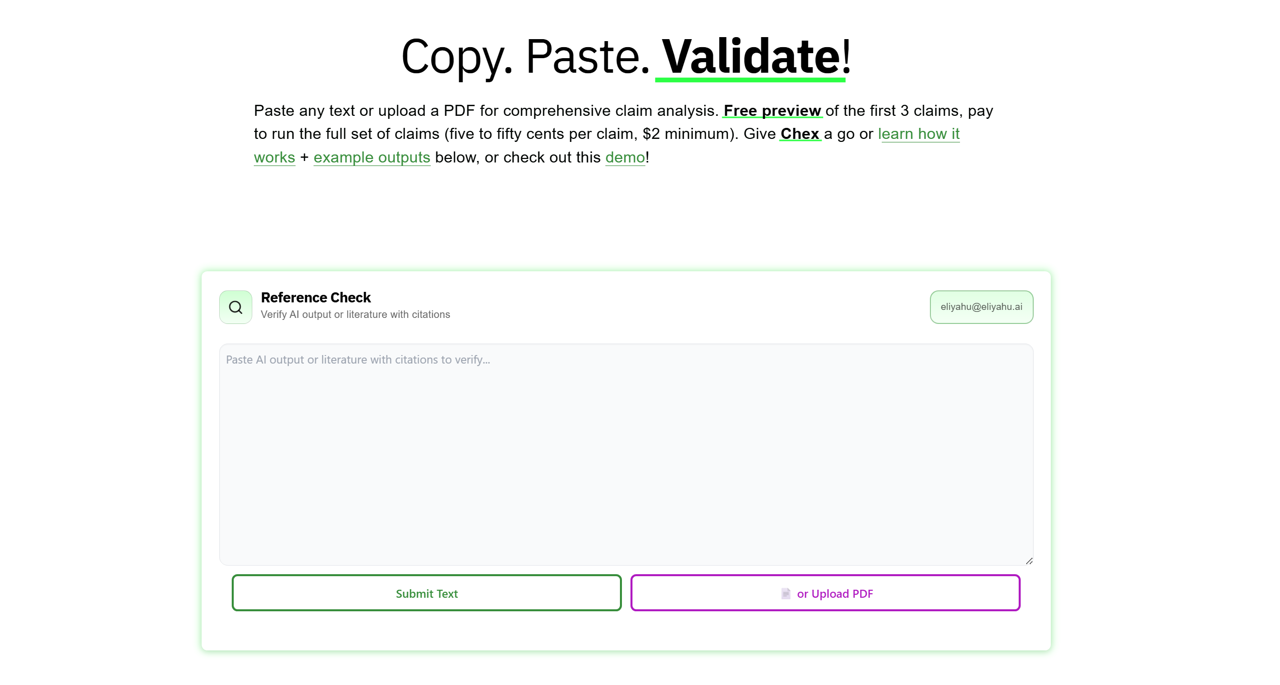
Go to hyperplexity.ai/chex — no conversation needed, just paste and go.
Any AI output, manuscript, report, or document. Chex extracts every factual claim automatically.
Check confidence color-coding, qualified facts, and source citations before committing. No credit card required.
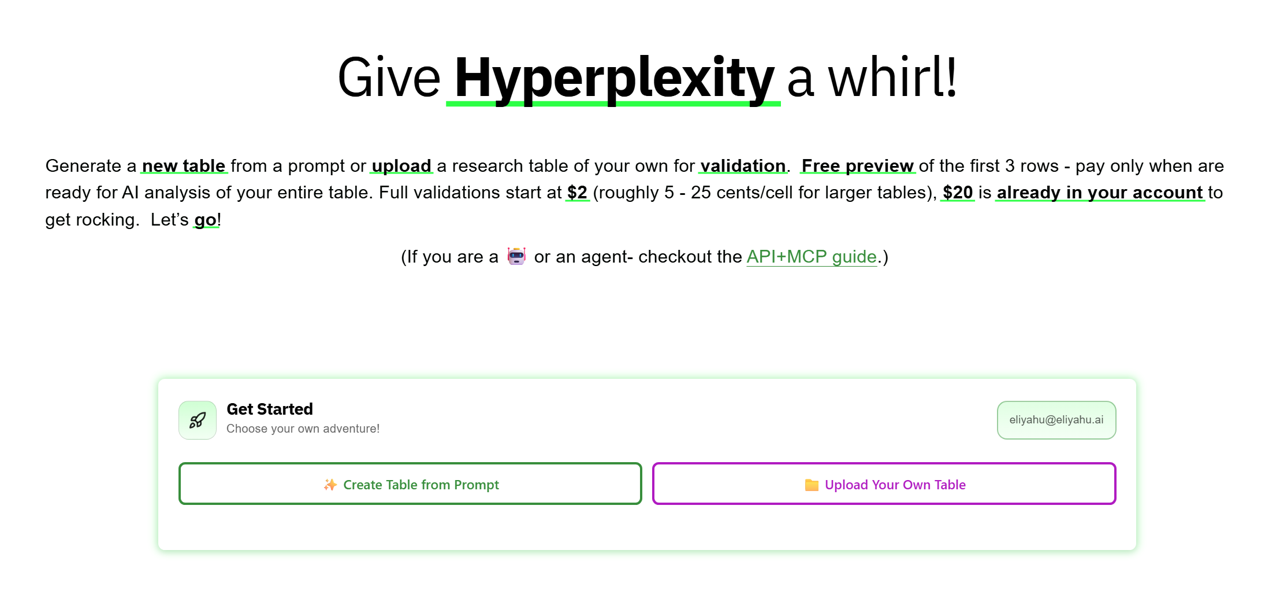
Results arrive as a structured table. Click any claim for the full evidence trail — explanation, QC reasoning, and numbered sources with direct quotes.
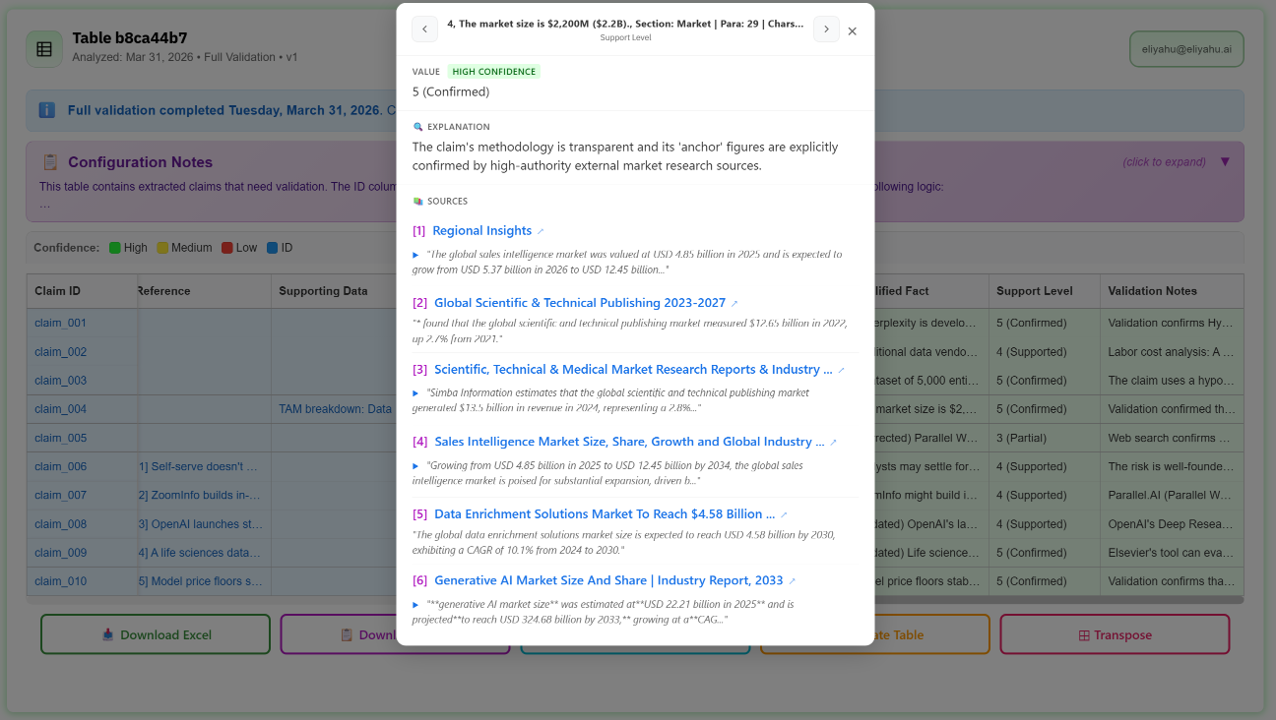
Each row is a verified claim. Click any row to see the qualified fact, confidence rating, explanation, and numbered source citations with direct quotes.
Pricing
Preview free, pay on approval — the same model for both tools.
| Tier | Hyperplexity (per cell) | Chex (per claim) |
|---|---|---|
| Preview (first 3) | Free Always free | Free Always free |
| Standard | ~$0.05 / cell | ~$0.05–0.50 / claim |
| Advanced | ~$0.25 / cell | — |
| Minimum per run | $2.00 | $2.00 |
| New account credit | $20 Shared across both tools | |
* The $20 new-account credit is a single shared balance — usable for Hyperplexity tables, Chex claim checks, or any combination.
Developer & agent access
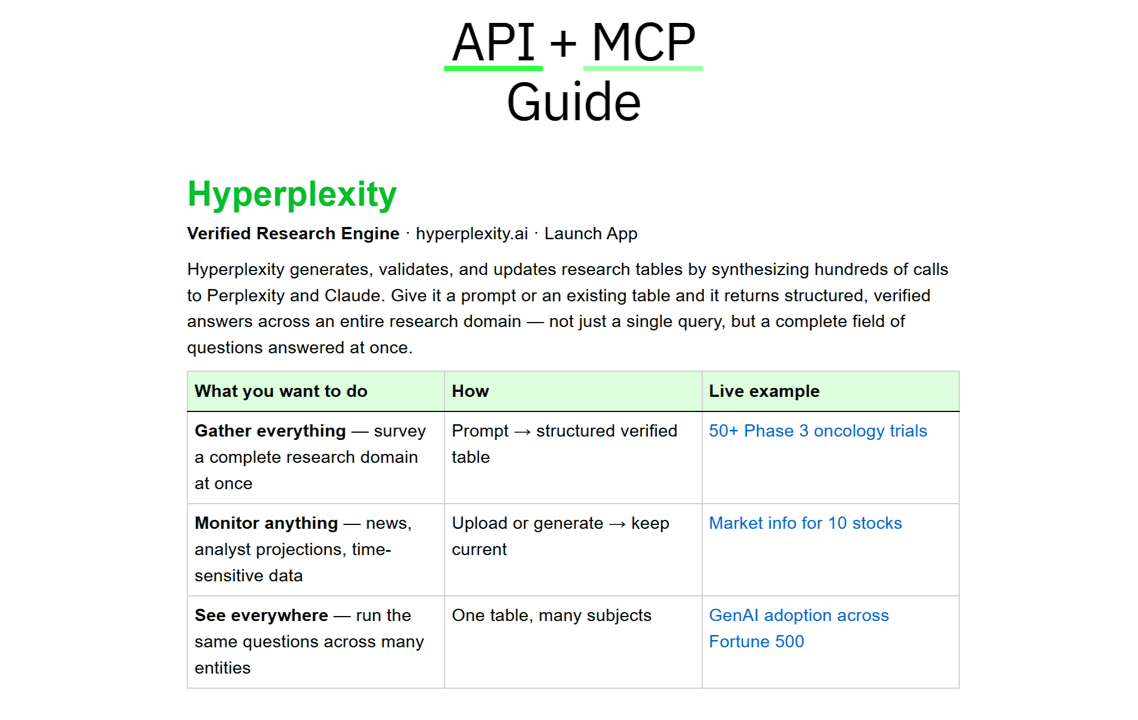
Hyperplexity and Chex are also available via REST API and Claude MCP for automated workflows and batch processing.
Your account
Shared across both Hyperplexity and Chex. Click your email in the top-right corner of the first card, or go directly to hyperplexity.ai/account.


Launch the app · Chex · API + MCP Guide · Your account
Built by Eliyahu AI · Cambridge, MA